
How Fall Detection Works
What it can do, what it can't, and how it helps in an emergency.
Learn how LiveLife fall detection works, when alerts are sent, and how wearers can cancel false alarms.
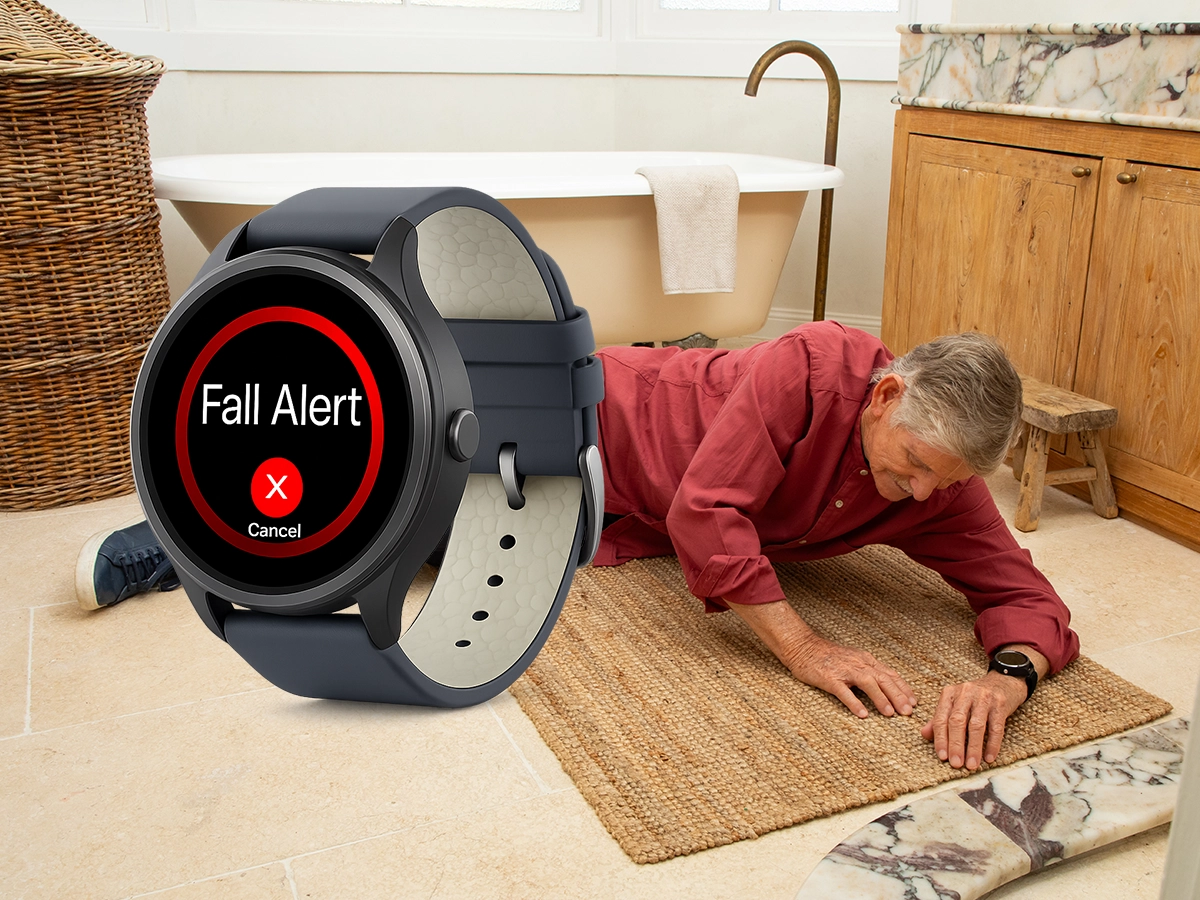

Feature Overview
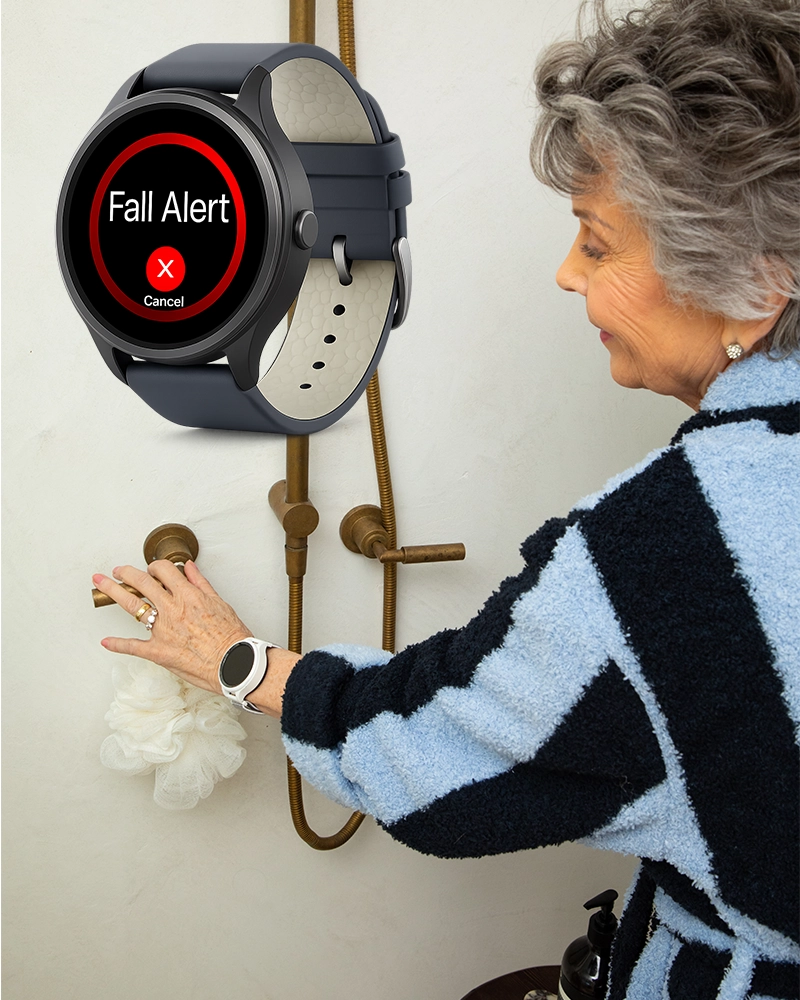
LiveLife Watch
The LiveLife Watch provides fall detection in a wrist-worn form, with on-screen alerts and voice prompts.
- Inbuilt sensors detect sudden, heavy falls that may result in unconsciousness
- Warning message displays on watch screen with audio alert
- 10-second window to cancel if it's a false alarm
- Sends a location link viewable in Google Maps to emergency contacts
- Fall detection sensitivity is easily adjustable
If a fall is detected:
The watch displays a warning and announces:
"Fall alert has been activated. Click the watch side button to cancel."
The message repeats before alerts are sent to emergency contacts.
If not cancelled in time:
The watch sends a fall alert text message with a location link (viewable in Google Maps) to programmed emergency contacts, followed by outgoing calls.

LiveLife Pendant
Fall detection works when your pendant is turned on and in an area with mobile network coverage.
- Inbuilt sensors are tuned to detect sudden, heavy falls that may result in unconsciousness
- Tested at common body heights (700mm–1.2m) to reflect real-world falls
- Measures impact, angle, and speed to determine if a fall occurred
- Adjustable sensitivity settings (default level 5 recommended)
- Clear voice announcement gives you time to cancel false alarms
If a fall is detected:
The device announces:
"Fall alert has been activated. Click the SOS heart button to cancel the fall alert sequence."
The message repeats before alerts are sent to emergency contacts.
Understanding Fall Detection Limitations
While our fall detection technology provides excellent protection, it's important to understand how it works best.
May Not Detect
- • Falls blocked by furniture or other objects
- • Falls where the person braces themselves
- • Slumping or slowly rolling to the floor
- • Falls from low seated positions (for example, wheelchairs)
Best Practices
- • Test by gently tossing onto soft carpet when you receive it
- • Notify emergency contacts before testing
- • If conscious, manually press SOS button
- • Keep sensitivity at default setting 5
- • Wear the device consistently for best protection
Adjustable Settings
Fall detection sensitivity can be adjusted or turned off to suit different activity levels and lifestyles.
See Fall Detection in Action
Watch our demonstration videos to see how fall detection works on both the pendant and watch devices.
These demonstrations show how fall detection behaves in controlled test scenarios.

Pendant Fall Detection Demo

Watch Fall Detection Demo
Still Have Questions About Fall Detection?
Our team can explain how it works and whether it's suitable for your situation.